
Windows alert
A notification with sound as soon as someone you follow goes live. One click and you are watching.
Taggy Radar · app for Windows
Taggy Radar alerts you as soon as your streamers go live, on any platform. It sits quietly in the tray.
 Taggy Radar

For viewers
A notification with sound as soon as someone you follow goes live. One click and you are watching.
All your streamers in one place: who is live, on which platform and playing what.

The streamer knows they got a new follower, but never who. Nobody sees who you follow.

Some streamers send a heads-up 10 minutes before going live. You get the Signal and get ready.
For streamers
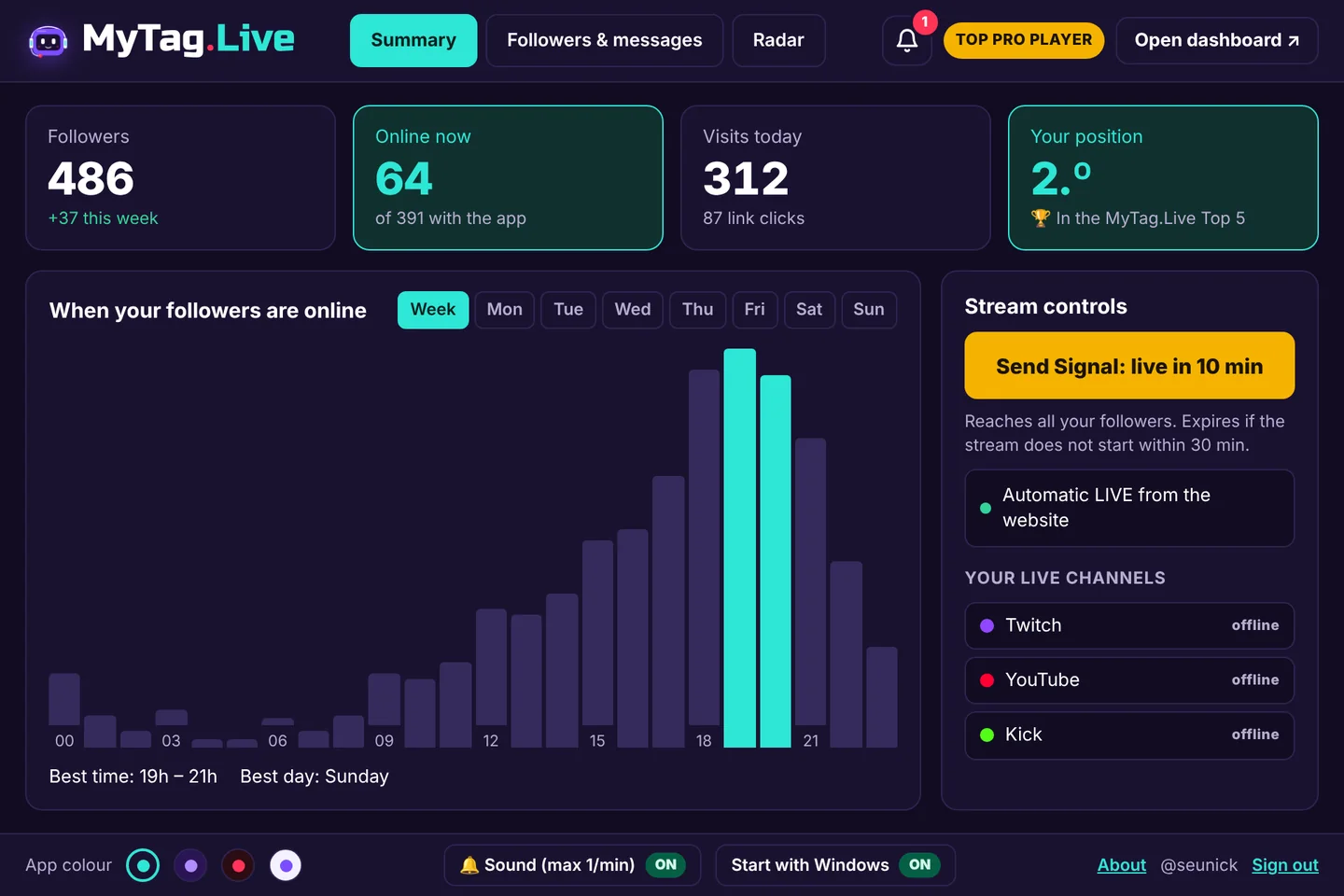
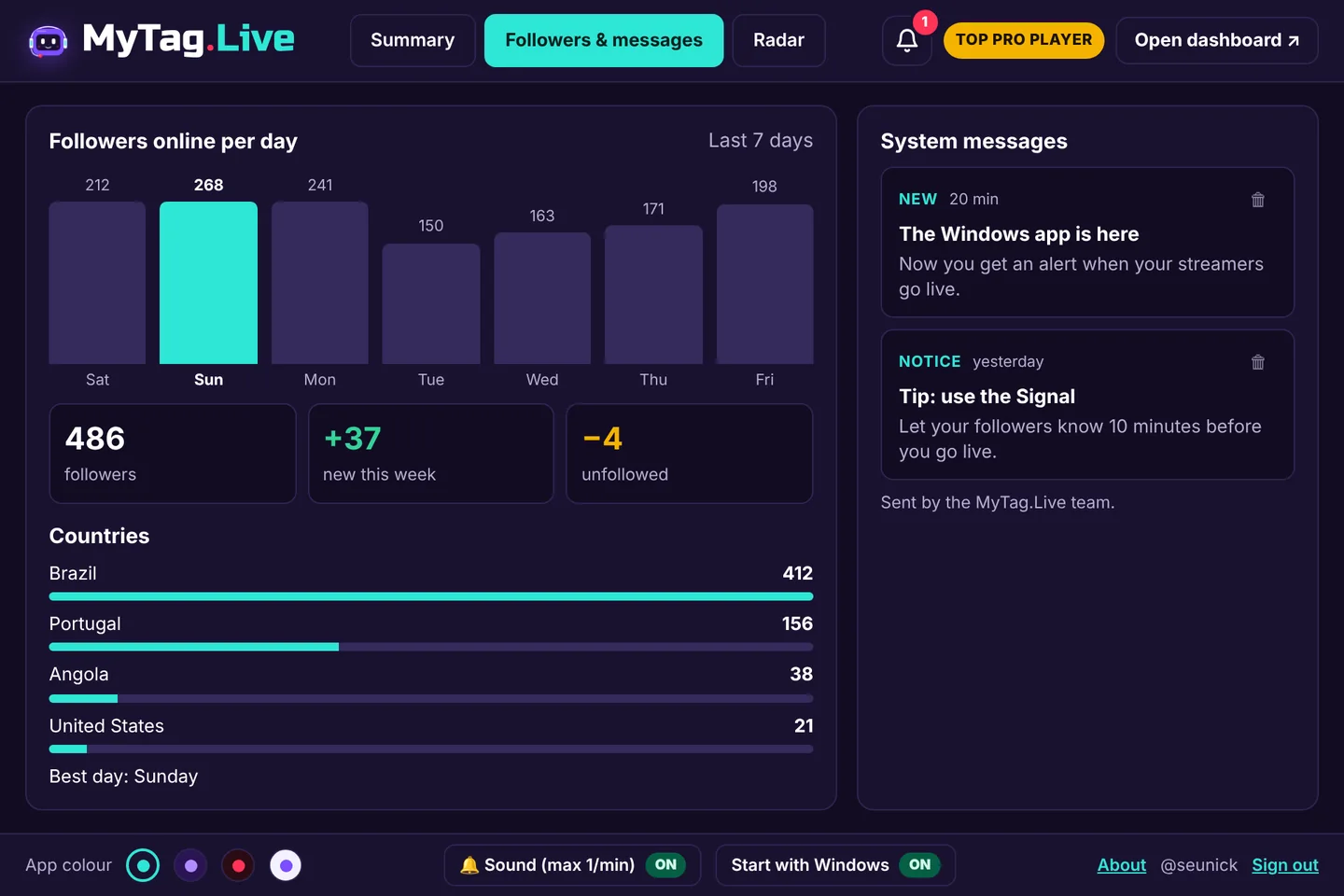
With your MyTag.Live page on the Pro or Top plan, Taggy Radar shows the numbers that help you grow:
Plans
| What each account does in Taggy Radar | Free | Casual | Pro Player | Top Pro Player |
|---|---|---|---|---|
| Follow streamers | up to 5 | unlimited | unlimited | unlimited |
| Live and Signal alerts | ||||
| Be followed in Taggy Radar | — | — | ||
| Followers and new this week | — | — | ||
| Followers online per day | — | — | ||
| Your position in the ranking | — | — | ||
| Send a Signal | — | — | ||
| Followers online now | — | — | — | |
| Best time to go live | — | — | — | |
| Countries and weekly email summary | — | — | — |
A free account only needs a MyTag.Live sign-up: no page or plan required.
Yes. With a free MyTag.Live account you can follow up to 5 streamers and get every alert. With a plan, follow without limits.
Yes, the same account as the MyTag.Live website. Sign in with email and password, Google, Twitch or Discord. No page or plan required.
They know they got a new follower, but never who. Following is anonymous.
Taggy Radar alerts you when a stream starts on Twitch, YouTube, Kick, TikTok or Rumble.
Yes, on Windows 10 and Windows 11. Taggy Radar installs from the Microsoft Store and updates itself.
On the Radar, click the streamer's ⋯ button and choose Unfollow.
It takes less than a minute.